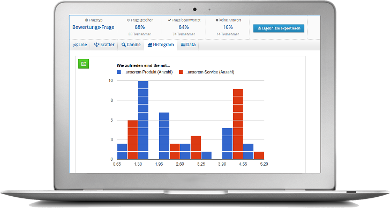
Once your online survey is running and participants have been invited, the exciting part begins: analysing the results. But what analysis options does LamaPoll offer?
LamaPoll’s analysis tool is designed to display the relevant results visually in one or two clicks. You can of course export all responses for further work in applications such as SPSS or Excel. Here is a brief overview of LamaPoll’s analysis options:
- Depending on the question type, you can receive up to 10 different charts and graphics for each question.
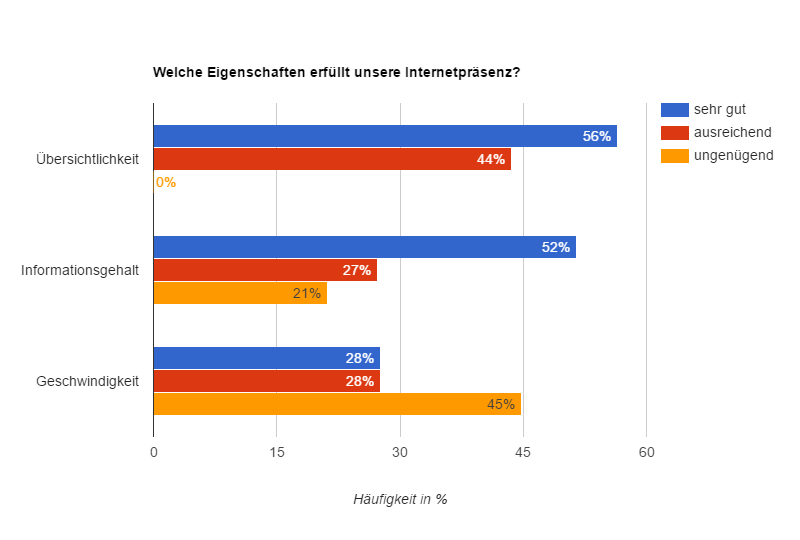 | 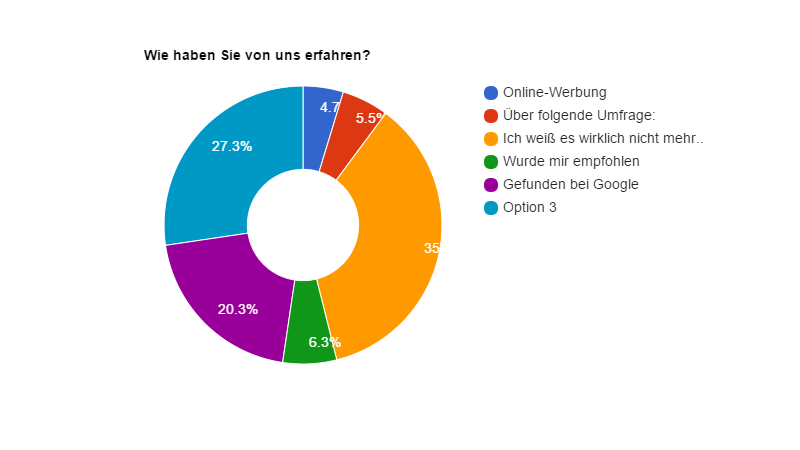 |
simulated results
- You can filter all results by response behaviour, participant status and more.
- You can export all charts, ready for presentation.
- You receive both question-based results and raw data for each participant.
- You receive useful statistics such as abandonment analysis.
- You can export all responses for SPSS, Excel, MATLAB and more.
- Depending on the survey and settings, you can filter by participant attributes.
- Example online survey analysis in Excel
Analysis is just as simple and convenient as creating the questionnaire. With only a few clicks, you can filter hidden or combined results, view them visually or export them for a presentation.
LamaPoll video tutorial: analyse and filter results
In this video, you will find information on the results dashboard, overall results and individual results or samples:
You can find a detailed description of analysing results and preparing a presentation of survey results here: Analyse and present an online survey